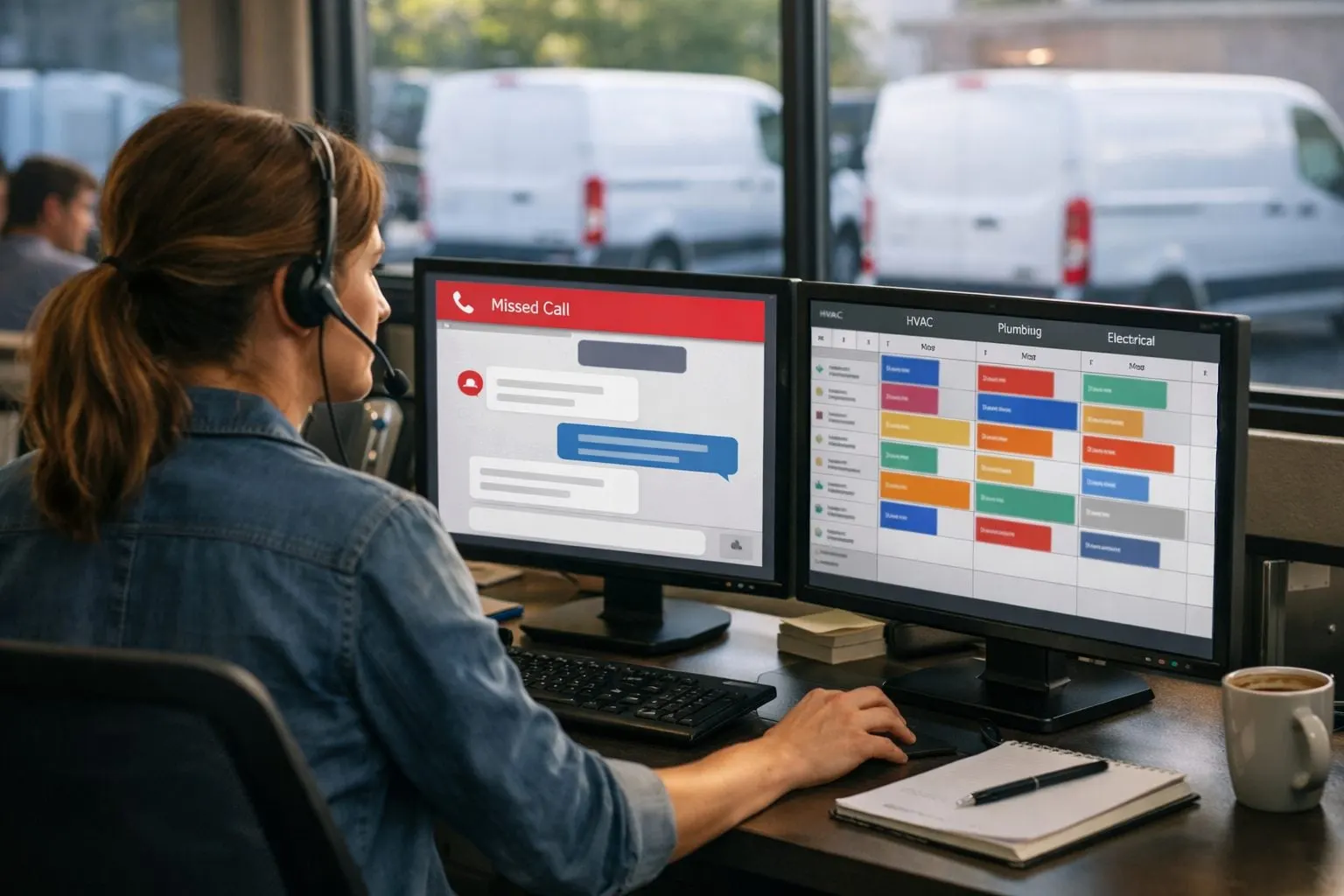
In day-to-day operations, an unanswered call is an ownership failure: the phone system recorded a caller, but no one owns the next action. A caller reporting water on a floor, a failed air conditioner, a tripped breaker, roof damage, or restoration work may try the next provider while waiting. The objective is faster lead response and fewer missed handoffs, not an unattended texting tool.
A missed-call text-back is a bridge, not a substitute for live coverage, dispatch judgment, or qualified sales staff. It turns an inbound lead into an acknowledged, trackable record with a named human owner. Automated customer follow-ups handle the repeatable first move; people determine availability, diagnosis, pricing, and scheduling.
- Detect a genuinely unanswered inbound call from its disposition, caller number, and timestamp; exclude calls a staff member answered or intentionally sent to voicemail.
- Acknowledge it with the business name and a clear expectation, such as, “Our dispatch team will call you back shortly.”
- Capture the job need and urgency: a routine tune-up, an after-hours no-cooling request, or an issue requiring immediate human review.
- Route each category differently: appointment queue, on-call queue, or direct human escalation for a possible hazard.
- Assign one follow-up owner and record missed-call volume, first-response time, contact rate, and booked-job outcome.
This sequence exposes the bottleneck: automation supplies consistency at the handoff, while dispatch and sales staff supply the judgment needed to move the lead forward.
Map What Should Happen in the First Minutes After a Missed Call
Draw the actual path, not the intended one: phone platform or call tracking tool → missed-call event → customer lookup → CRM or field-service record → text conversation → assigned employee → completed follow-up. A lead is protected only when every handoff has a destination, timestamp, and named owner.
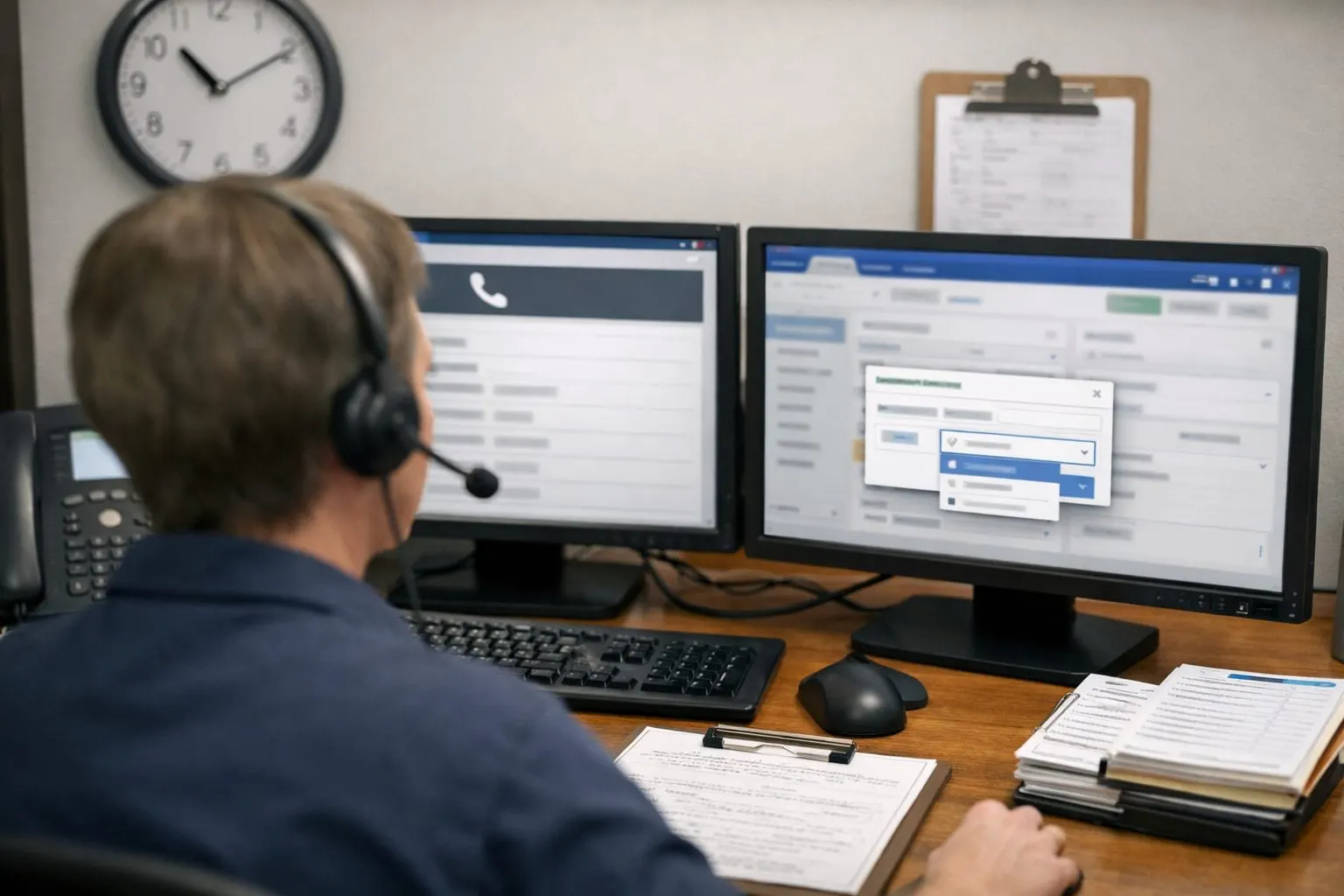
- Capture the unanswered inbound call, including its source number and time.
- Match the number to an existing customer or open job before creating a duplicate record; this keeps the new request visible in the customer’s current history.
- Send the acknowledgment, then capture only the details needed to classify the request: service type, address, and urgency.
- Create or update a lead status such as new, missed call, then assign it to a dispatcher, customer-service representative, or on-call employee.
- Create a human follow-up task with a due time. A text thread without an accountable person is simply an unworked queue.
Audit recent missed calls against the map. Find calls that stop in the phone system and never reach the CRM, records without an owner, duplicate contacts that obscure the latest request, and replies waiting in a shared inbox. A routine drain-cleaning request can enter the scheduling queue; an after-hours no-cooling report can go to the on-call roster; a business-defined emergency category should alert a person rather than continue automated questioning.
Before building home services business automation, write the operating rules it must follow:
- Business hours, holidays, and the employee covering each shift.
- Service areas, including locations that require manual review rather than automatic scheduling.
- Supported service categories and the queue or team responsible for each.
- After-hours ownership, including when the on-call employee takes over.
- Plain-language emergency definitions and the human escalation path.
These rules make the first reply a controlled handoff rather than a generic sequence. If no one can name the owner at each stage, resolve that gap before activating the workflow.
Build the Missed-Call Text-Back Workflow: Detect, Acknowledge, Capture, and Route
Build the automation around an eligibility gate, not simply the appearance of a new call record. Mark a call eligible only when it is inbound, reaches a final unanswered disposition, and has no connected staff answer. Suppress the text when a team member answered, when an outbound callback has already started, or when the number has an active missed-call conversation. For repeat attempts from the same number, update the existing lead and reset its callback task rather than sending another opening message. Choose a defined deduplication window, for example, one active conversation per phone number, and make that rule visible to dispatch.
- Detect and create the event. Pass the eligible call’s number, time, tracking source, and call outcome into the CRM or field-service system. Match the phone number first; update an open customer, estimate, or job record when one exists, and create a new lead only when it does not.
- Acknowledge immediately. Use missed-call text-back automation to identify the business and offer a clear reply path: “Hi, this is Maya with Northside Plumbing. Sorry we missed your call. What service do you need, and what ZIP code is the property in? A team member will call you back.”
- Capture only the next routing details. After a reply, ask for the preferred callback time if it is still needed: “Thanks, what’s the best time to call today?” A short reply path is better than a long form when the caller may be standing by a leaking fixture, without login access, or unwilling to complete several fields on a phone.
- Route and assign. Apply the service type, ZIP code, business-hours status, and stated urgency to select the appropriate queue. Attach the message thread, set the lead status, and create a callback task for a named employee. Automation can classify straightforward replies; unclear, urgent, or safety-related language should go directly to human review.
For a routine request, an optional booking link can reduce friction without replacing help: “If you’d rather choose a time now, you can use this scheduling link: [link]. Or reply here and we’ll call you.” Do not present a slot as confirmed until the scheduling system has accepted it. If delivery fails, retain the CRM task and move the lead to a call-back queue; a failed automated text response to missed calls must not close the record or remove human ownership.
Route Leads by Urgency, Service Type, Location, and Team Capacity
Use a routing matrix that produces one of three outcomes: an appointment queue, a live-priority queue, or an after-hours owner. A routine request, such as a maintenance visit or a non-urgent repair, goes to the matching trade and service-area queue. Match HVAC, plumbing, electrical, restoration, and other trades separately; then apply ZIP code, business hours, and the capacity status of the relevant team. A lead outside the map or for a trade you do not cover should receive a clear human response, not a booking option that cannot be fulfilled.
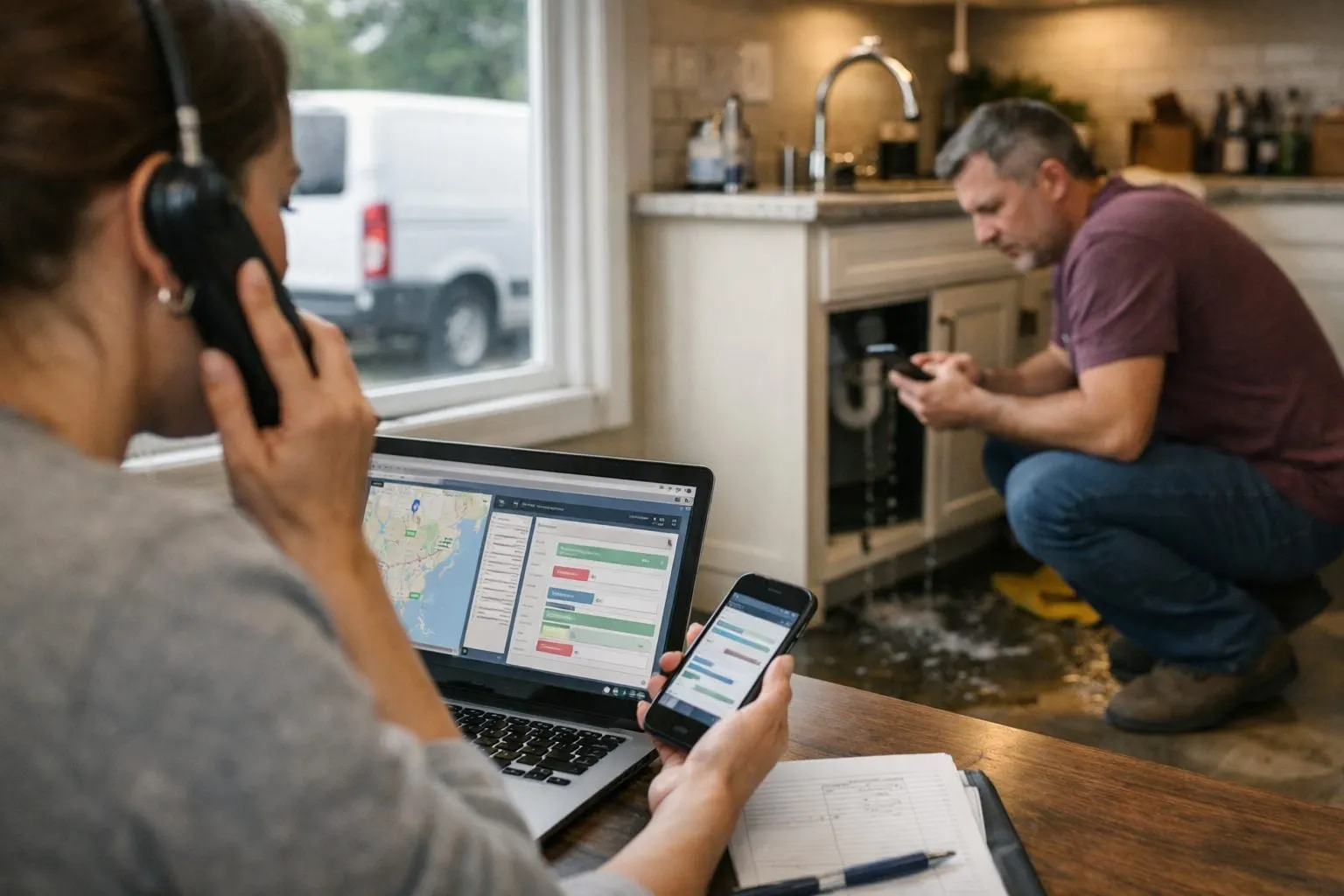
- Standard appointment: Route a “water heater estimate in 33139” reply to the plumbing coordinator or appointment queue when that ZIP is covered and capacity is open. The assignment should show the service requested, location, message thread, and callback deadline.
- Priority live contact: Override the normal queue for gas odors, active flooding, electrical hazards, restoration emergencies, loss of heat or cooling during locally defined extreme conditions, high-value commercial requests, or any caller who asks for a person. Send an alert to the designated dispatcher and backup owner at the same time.
- After-hours: Apply a separate on-call technician roster by trade and territory. If no on-call capacity is available, route the lead to a named manager rather than implying that a technician is en route.
Automation may recognize terms such as “sparking,” “gas smell,” “flooding,” or “emergency call,” but it should not diagnose the condition, troubleshoot a hazard, or promise arrival times. Its job is to preserve the details, flag the record, and send a brief holding message: “We’ve flagged this for urgent human review. A team member is being notified now. If you believe there is immediate danger, contact local emergency services.”
Make dispatch capacity a visible rule, not an assumption. When a trade’s same-day slots, geographic coverage, or on-call workload reaches its limit, route new requests to the next approved owner with an explicit status such as capacity review required. Test every trigger against the written escalation policy, coverage map, and roster before activating it; a strong rule always ends with a named human who can accept, redirect, or decline the work.
Write Fast, Useful Texts With Consent, Identification, and Opt-Out Safeguards
Every opening text should answer the caller’s immediate question: Who is this, did they receive my request, and what happens next? Use the business name, mention the missed call, offer one simple reply path, and state a realistic callback expectation. A service acknowledgment is not a sales pitch; avoid discounts, broad claims, or language that suggests an appointment or technician dispatch has already been confirmed.
First text: “Hi, this is [Business Name]. We missed your call. Reply with your service need and ZIP code, or tell us a good time to call you back. Our team will respond during [business hours]. Reply STOP to opt out.” For after-hours coverage, replace the last sentence with the actual on-call expectation rather than a vague promise: “Our on-call coordinator is reviewing after-hours requests.”
- One reminder: Send only if there is no reply and the lead remains unworked: “[Business Name] following up on your call. Reply with the service needed, or reply STOP to end texts.”
- Stop conditions: End automated lead follow-up when the caller replies, a person takes ownership, an appointment is booked, the number is invalid, or the caller opts out. A STOP or equivalent opt-out must suppress future messages across the phone, CRM, and campaign systems, not merely this sequence.
Use the number supplied by the caller for this service conversation only. Record the call event, message version, delivery status, replies, opt-in status where applicable, opt-outs, and human handoff in the lead record. Do not turn a missed caller into a promotional audience without the appropriate permission. Before launch, have the business map its current jurisdiction-specific requirements, carrier and messaging-platform rules, approved wording, opt-out handling, and retention process to its exact use case.
Set Human Follow-Up SLAs and Clear Handoff Ownership
A text reply or a new CRM record is not a completed handoff until a named person has acted on it. Set an internal first-response time SLA for each queue: for example, a CSR owns routine daytime leads within 10 minutes, an on-call coordinator owns after-hours leads within 15 minutes, and a manager receives an alert when a high-intent lead has no completed contact task by its deadline. The SLA is an operating commitment, not a promise made to the caller.
Assign both a primary owner and a backup owner. The primary calls, texts personally when appropriate, or records a disposition; the backup takes over when the task remains open at the SLA checkpoint. High-intent signals, multiple call attempts, a detailed text reply, a requested callback time, or an urgent-service route, should create an immediate alert rather than wait for the standard escalation cycle.
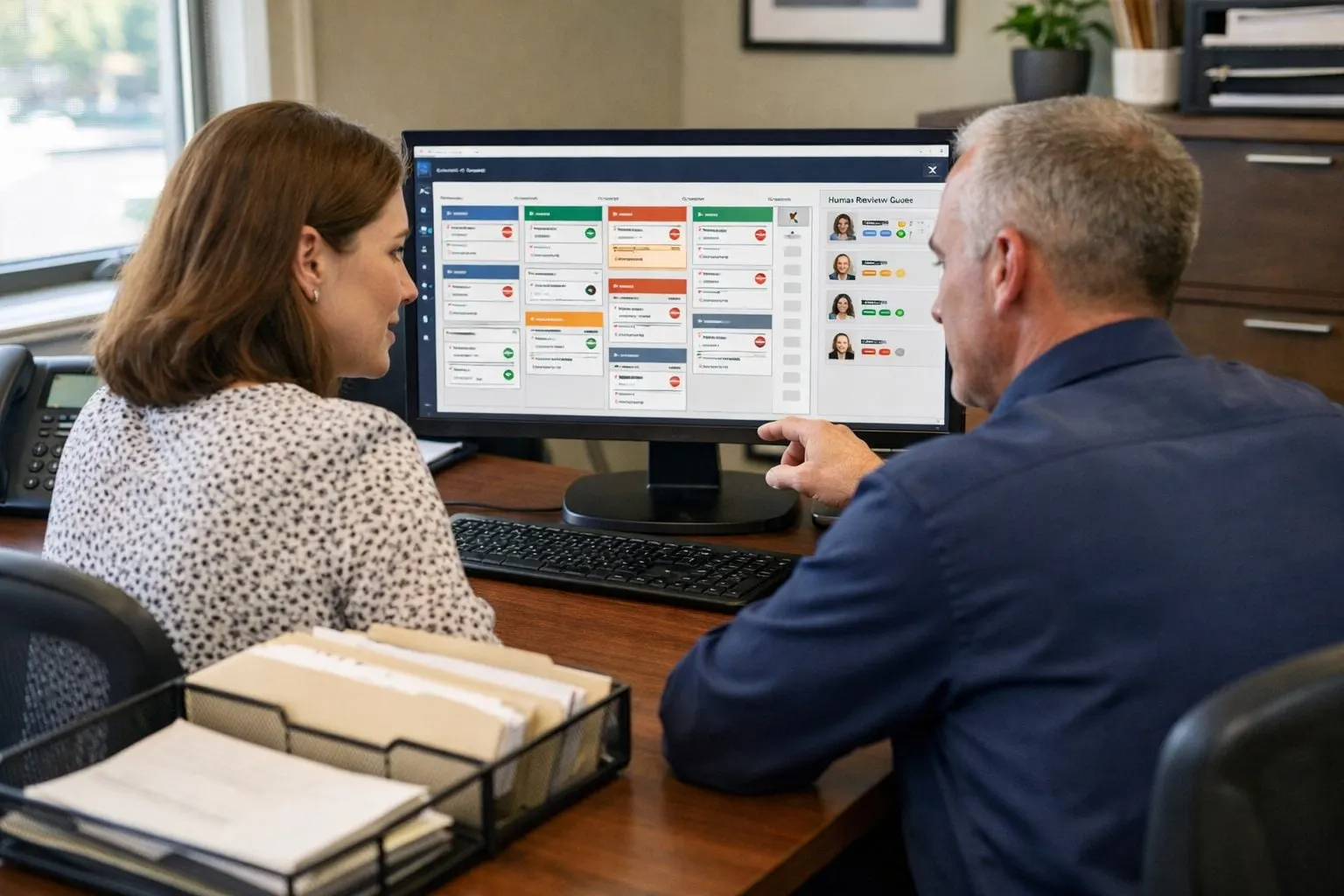
The handoff screen should give the CSR, dispatcher, or sales representative enough context to avoid making the caller repeat themselves: caller number, missed-call time, stated service need, ZIP code or address, urgency flags, text thread, call recording or transcript when available, and prior customer history. This is where home service lead follow-up automation stops and accountable service begins.
- Confirm: “I’m calling about your [service need]. Is that still what you need help with?”
- Validate: confirm the address is in the service area and clarify the job type.
- Set expectations: describe the next available review or scheduling step without guaranteeing a technician, arrival window, or price.
- Seek commitment: ask for the best callback window, diagnostic appointment, or approval to send available options, then log the outcome.
Measure the Workflow From Missed Call to Booked Job, Then Improve It
Make the lead record produce a weekly scorecard, not just an activity log. Track the funnel in order: missed calls, eligible text-back sends, delivered messages, replies, live contacts, qualified leads, appointments booked, jobs completed, and revenue only where the original call can be reliably attributed to the job. Each stage exposes a different leak: low delivery points to contact-data or messaging issues; low live contact points to callback execution; low booking after qualification points to capacity, scheduling, or sales process.

Use call tracking, texting records, CRM data, and field service management software to compare conversion between like groups: business hours versus after-hours, HVAC versus plumbing, paid-search versus referral calls, ZIP code or service area, and new versus existing customers. A 7 p.m. plumbing lead should not be judged against a Tuesday-morning maintenance request; separate coverage periods and service types before drawing conclusions.
- Test one change at a time for a defined period: shorten an overdue-callback alert, simplify the first text to one reply prompt, or raise the threshold that sends a lead to the live-priority queue.
- Review opt-outs, undelivered texts, unowned records, and appointments that were never completed alongside booking rates.
- When reply rates are healthy but live-contact or booking rates lag, fix staffing, phone coverage, scheduling capacity, or coaching rather than adding more automated customer follow-ups.
The objective is measurable operational improvement: faster response, fewer abandoned handoffs, and a clear view of which missed-call leads become completed work.
Frequently Asked Questions
What should a home service company text after missing a call?
Send an immediate text that identifies the business, acknowledges the missed call, and asks for the service need and ZIP code. For example: “Hi, this is [Business Name]. We missed your call. Reply with your service need and ZIP code, or tell us a good time to call you back. Reply STOP to opt out.”
How quickly should an HVAC or plumbing company follow up on a missed call?
Set a named employee’s first-response SLA by queue, such as 10 minutes for routine daytime leads and 15 minutes for after-hours leads. Urgent requests, repeat calls, detailed replies, and requested callback times should trigger immediate alerts instead of waiting for the normal escalation cycle.
Can AI answer and route home service leads after hours?
Automation can acknowledge an unanswered call, collect the service type, location, and urgency, then route the lead to an appointment queue, live-priority queue, or on-call owner. It should not diagnose hazards, promise arrival times, confirm appointments before the scheduling system accepts them, or replace human dispatch judgment.
What missed-call leads should be escalated to a live person immediately?
Immediately escalate gas odors, active flooding, electrical hazards, restoration emergencies, extreme-condition heating or cooling losses, high-value commercial requests, and any caller who asks for a person. Send alerts to both the designated dispatcher and backup owner, and use a message that says the request is under urgent human review.
How do I measure whether missed-call text automation is increasing booked jobs?
Track missed calls, eligible text sends, delivered messages, replies, live contacts, qualified leads, appointments booked, jobs completed, and reliably attributed revenue. Compare results by business hours, trade, lead source, ZIP code, and new versus existing customers to identify whether messaging, callback execution, capacity, or sales follow-up is causing leaks.