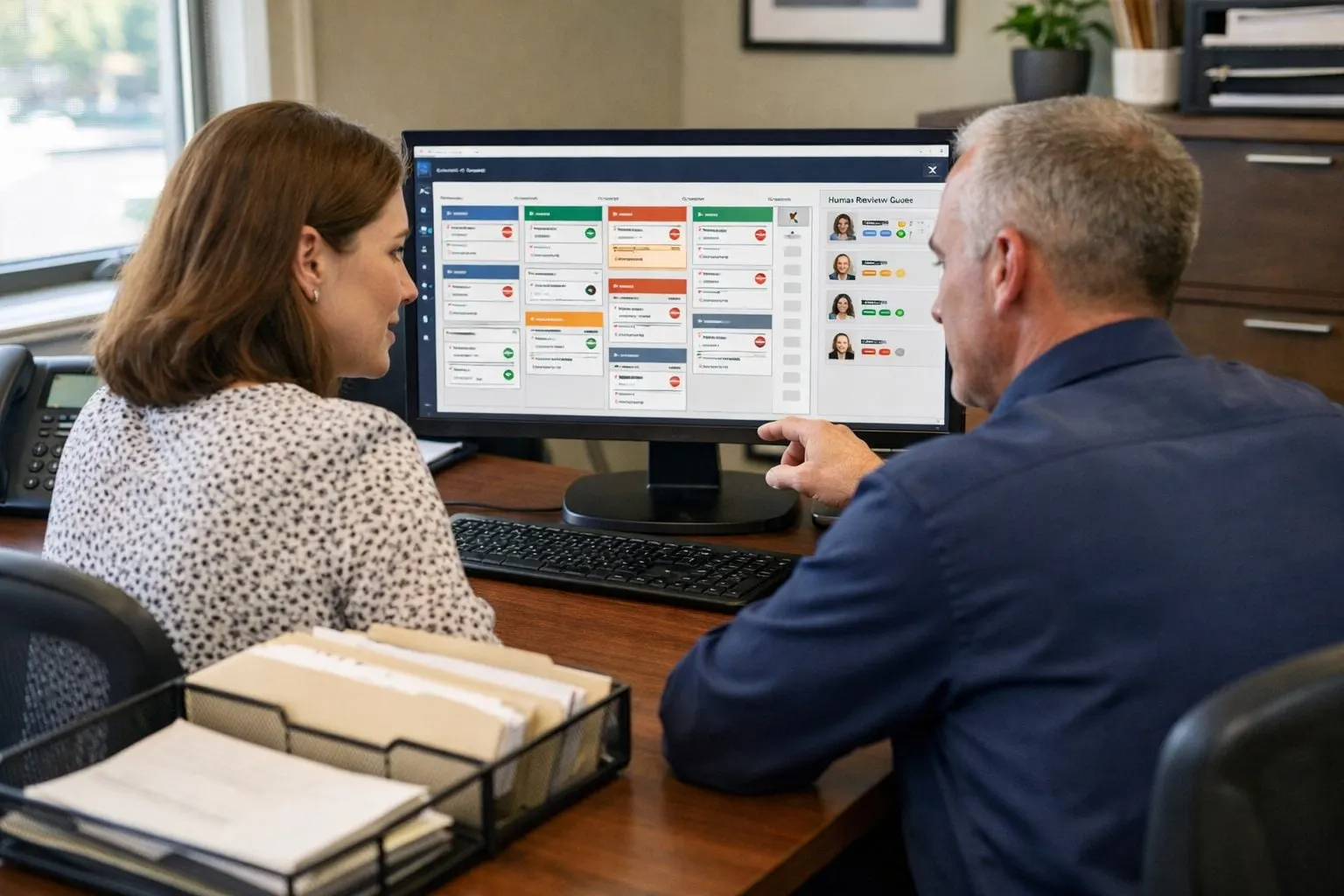
When a weekly pool route is rebuilt by phone calls, texts, and spreadsheet edits, the disruption spreads beyond the office. Technicians can leave without a dependable sequence of stops, customers may wait for service that has moved without a clear update, and dispatchers spend the day reconciling changes that should have been handled by a defined workflow.
Automated route scheduling for pool service should not mean letting software reshuffle every account whenever conditions change. It means establishing a stable weekly baseline, territory, service day, realistic capacity, and technician assignment, then applying consistent rules when a true exception occurs. A technician callout, a storm hold, an overloaded day, a locked customer commitment, or a required make-up visit deserves attention; a routine recurring visit should not require a fresh scheduling decision each week.
This article shows how to build that distinction into daily operations. You will define dependable route templates, turn assignment priorities into automation rules, and use a controlled exception queue when human dispatcher judgment is needed. It also covers weather and absence workflows, meaningful customer-notification triggers, and a schedule-churn review that exposes where recurring routes are creating avoidable overrides. The objective is simple: fewer last-minute edits, clearer technician expectations, and customers who know what has changed and when to expect service.
Why Pool Service Route Scheduling Breaks Down, and What Automation Should Actually Solve
A recurring appointment is only the starting point. Manual edits accumulate when a nominal route day does not hold in practice: one territory carries more stops than its available hours, a technician is absent, a customer’s gate is locked, or a storm interruption leaves unfinished work that must be placed somewhere else.
Separate preventable churn from legitimate field exceptions. Reassigning the same accounts week after week, repeatedly changing same-day ETAs, or routinely borrowing a technician from another territory signals an unstable template or unrealistic capacity. Those are rule problems: keep accounts on a defined day and territory, respect daily stop limits, preserve qualified technician assignments, and protect commitments that should not move. Pool service automation should apply those rules consistently rather than ask the office to reconstruct them each morning.
Some decisions should remain in an exception queue. A callout may require choosing between a qualified substitute, a deferred visit, or overtime; a weather hold may affect only part of the route; and a locked customer commitment may outweigh the shortest-drive option. Automation can identify affected stops, propose eligible alternatives, and flag a meaningful change for customer notification. A dispatcher decides when the tradeoff involves service history, access, workload, or a promise made to a specific customer.
Start With a Stable Weekly Route Template
Build the weekly template from the map outward, then test it against the work each stop actually requires. Divide the service area into practical territories using drive time between clusters of accounts, account density, and each technician’s usual starting area. A territory is not simply a ZIP code: a dense neighborhood across a congested bridge may belong on a different route day than a nearby-looking subdivision. Assign each territory a primary service day and keep recurring customers on that day unless a defined constraint calls for an exception.

Set capacity in labor minutes, not just stop counts. For each route, include the expected cleaning and chemical-service time, travel between stops, supply or chemical pickups, and a deliberate buffer. Pool cleaning route scheduling becomes fragile when every hour is sold to recurring stops; a single green-pool concern, equipment observation, access delay, or return visit then forces the office to displace customers. The objective is a route that is compact enough to limit windshield time but open enough to absorb normal field variation.
- Protect technician continuity. Give a recurring route a primary technician where skills, customer familiarity, and workload permit. Continuity helps the technician recognize a changing pool condition and reduces handoff notes. Record an eligible backup for routes that require particular equipment knowledge or a customer relationship that should not be changed casually.
- Capture usable account constraints. Store gate codes and access instructions, pet notes, required service windows, locked days, preferred days, and any request for a specific technician. A preference can guide placement; a required window or locked commitment should constrain it. That distinction prevents a preference from silently consuming the flexibility needed to recover the route.
An overfilled template shows itself before any scheduling technology is activated: technicians regularly finish late, chemical stops are skipped or improvised, the same accounts move each week, or make-up work has no reserved landing place. Move marginal stops to an adjacent territory or day before adding more optimization. Automated route scheduling pool service works best when it receives stable territory, day, capacity, and constraint data, not when it is asked to repair a calendar with no room for repairs, seasonal workload, or missed visits.
Turn Operating Rules Into Automated Scheduling Rules
Scheduling logic should rank constraints in the same order an experienced dispatcher would. Start with the account’s fixed route day and territory, then limit candidates to technicians who are available and qualified for the work. Within that eligible group, match account type and service frequency, for example, keep a weekly residential cleaning stop on its established route before placing a one-time equipment diagnosis. Only then use softer factors such as the customer’s preferred morning window or usual technician.
Make the first group of rules firm. A locked service commitment, an inaccessible account until a stated day, a technician absence, or repair work assigned only to a qualified technician should block automatic placement rather than be treated as a routing inconvenience. The system should flag the affected visit for an exception queue if no eligible slot remains. This prevents a short-drive recommendation from quietly breaking a commitment the office has already made.
Flexible rules guide placement without deciding it. A preferred technician, a requested early arrival, or keeping a make-up visit near the original route can improve the outcome, but these preferences may yield when capacity is tight. To automate route scheduling effectively, assign each flexible rule a priority score rather than treating every customer note as a permanent lock. A customer who prefers mornings can move later within the same service day; a customer promised Tuesday service cannot move to Thursday without approval.
An override is appropriate when a firm constraint conflicts with available capacity or when a dispatcher chooses a justified tradeoff that the rules cannot weigh alone. Limit the ability to move a recurring visit to designated dispatch staff or managers, require a reason code such as callout, access issue, capacity overload, or customer request, and retain the original and replacement appointment details. If the override changes the service day, crosses a meaningful service window, or assigns a different technician where continuity matters, it should also create a customer-notification task rather than relying on someone to remember the call or text.
Use a Repeatable Playbook for Callouts, Overloads, and Missed Visits
A callout should open one route exception, not trigger a rebuild of every stop on the board. First, mark the unavailable technician, confirm the affected territory, service window, and unfinished work, then freeze the original work orders while the dispatcher decides what moves.
Next, separate protected accounts from movable work. Protected accounts are visits that should not be casually deferred: green-pool recoveries, commercial properties, accounts with time-sensitive gate or tenant access, and customers holding a locked commitment. Keep those stops on the dispatcher’s decision list. Routine weekly stops without a fixed window are the movable work; they can be reassigned within the same territory or placed into the next available service slot.
- Use a stated same-day cutoff, for example, process callouts received before 9:00 a.m. for reassignment only if a qualified backup has spare route capacity and can reach the stop without displacing protected work.
- After that cutoff, create a next-day make-up visit for movable stops rather than stretching multiple technicians’ routes. A make-up visit needs a defined service date, owner, and customer-contact task, not a vague “return when possible” note.
- Assign preapproved backup coverage by territory and skill. This keeps an equipment-qualified technician available for work that cannot be handed to a general cleaning route.
Use one active-owner control for every work order: reassignment must transfer ownership, not copy the visit to another technician’s list. The dispatch board should show the original technician, replacement technician or make-up date, status, reason code, timestamp, and dispatcher who approved the change. That record prevents duplicate visits and makes an unserved pool visible before the route closes.
Pool company scheduling software can surface eligible backups and hold the original appointment while a dispatcher approves the change. The judgment remains human when protected accounts compete for limited capacity; the repeatable workflow keeps that judgment from becoming last-minute route-wide reshuffling.
Define Weather Holds and Rain-Delay Rules Before the Forecast Changes
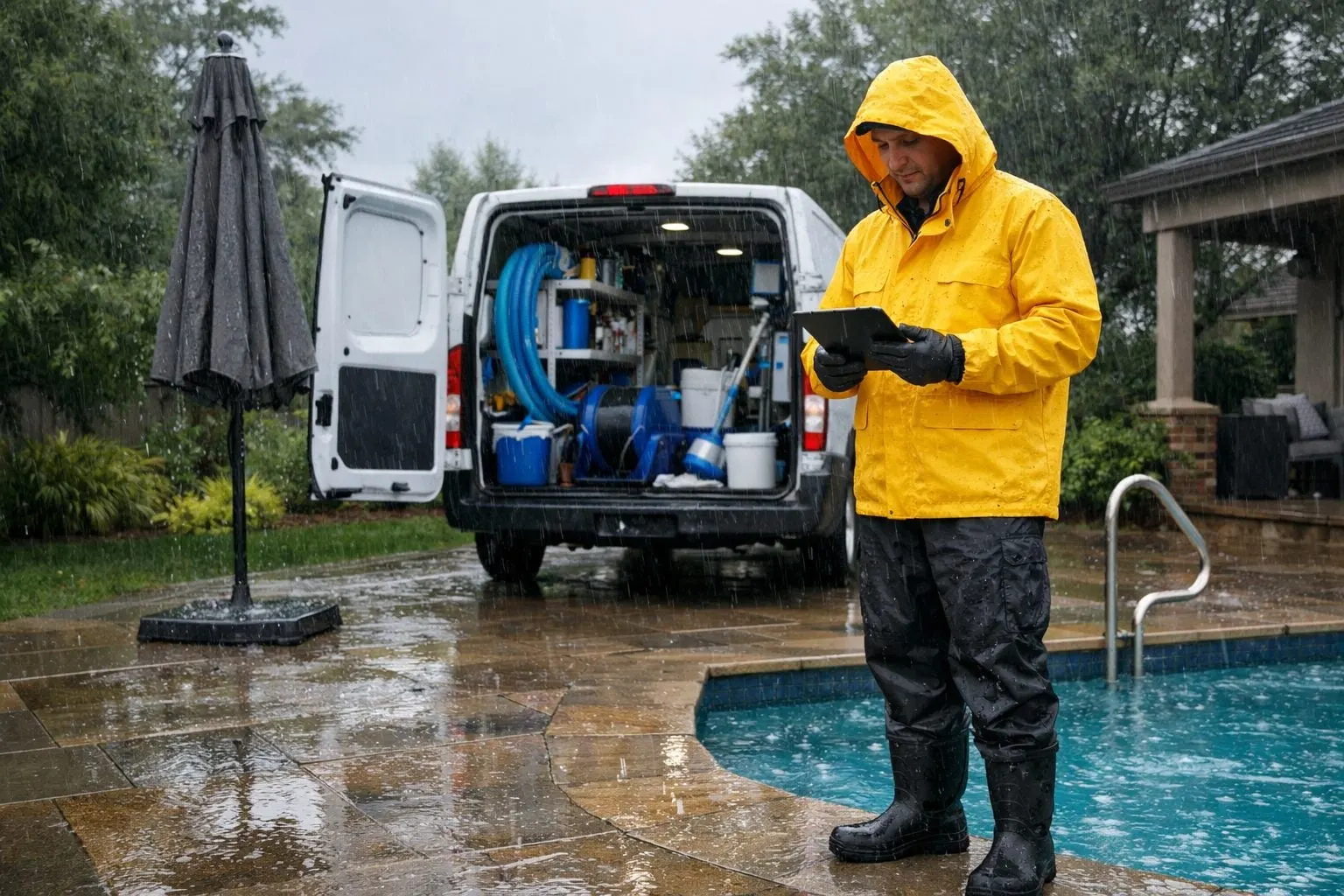
Weather should create a targeted route decision, not an automatic cancellation of the day. Treat ordinary rain as an assessment condition: a technician may still complete accessible, routine service when the planned work can be performed safely and to the required standard. A weather hold is different; it pauses a stop or territory because conditions make travel, access, or the scheduled task unsuitable.
| Condition | Route action | Work-order treatment |
|---|---|---|
| Normal rain | Continue or modify | Keep service on route; defer only tasks that cannot be completed properly. |
| Lightning or severe local storm conditions | Hold | Stop field work in the affected area and place unfinished visits in the exception queue. |
| Flooded access or unsafe driving conditions | Defer | Do not send a technician into that access area; preserve the visit for recovery. |
| High winds | Modify or defer | Complete sheltered, routine work where appropriate; postpone work exposed to wind-related risk. |
| Post-storm debris | Rescope | Flag added cleanup or equipment concerns for dispatcher review rather than silently extending the standard visit. |
Set the decision checkpoint before technicians depart and allow a mid-route reassessment by territory. The useful signal is specific, an impassable neighborhood, active lightning, or debris that changes the scope, not a vague forecast label. Automated route scheduling pool service can apply the hold to affected stops while leaving unaffected territories intact; a dispatcher decides borderline conditions and protected accounts.
For a rain delay, recover work in a fixed order: first unfinished protected visits, then accounts whose next regular cycle would otherwise be missed, then routine stops in the same territory’s reserved make-up capacity. Offer the earliest workable slot without moving the customer’s next recurring visit. If no capacity exists, defer the make-up rather than cascading changes across the entire weekly route.
Automate Customer Notifications Around Meaningful Route Changes
A customer should not have to infer a route change from an unexpected empty backyard. Treat a notification as required when the committed service day changes, when the planned arrival period moves materially outside the customer’s stated service window, when a weather hold defers the visit, when a technician cannot gain access, or when a make-up visit is placed. Send the notice as soon as the dispatcher confirms the exception, not after the route has already changed.

Each message needs five fields: what changed, the practical reason, the revised day or window, whether the customer must do anything, and one direct contact path. For example: “Today’s pool service is deferred because the crew cannot safely complete the scheduled work in your area. Your make-up visit is scheduled for Thursday, 10 a.m.–1 p.m. No action is needed unless gate access has changed. Reply here or call the office to discuss the appointment.”
- A reassigned technician merits a direct notice only when technician continuity is part of the account commitment, access instructions are person-specific, or the customer has expressed a relevant customer preference. Otherwise, keep the message focused on the service timing and outcome.
- A missed-access notice should state that service was attempted, identify the access issue without blame, explain whether a return is scheduled, and ask for the exact corrective action needed, such as an updated gate code or an unlocked side gate.
- A make-up confirmation is a schedule commitment, not a tentative acknowledgment. Include the date, service window, and whether the regular recurring visit remains unchanged.
An ETA update is different from a schedule-change notice. “Your technician is approximately 20 minutes away” refines an existing appointment; it does not replace it. A move from Tuesday afternoon to Wednesday, or from a morning window to late afternoon, changes the customer’s expectation and requires a clear exception message.
Assign one role, typically the dispatcher or office manager, to approve exception messages before they send. Automation can prepare and release approved templates after the new work order is saved, while that owner handles ambiguous cases, protected accounts, and customer replies. Record requests for preferred timing or technician continuity as preferences, not guaranteed promises, unless the account has an explicitly locked commitment.
Measure Schedule Churn So the System Improves Instead of Creating More Overrides
Review the published schedule every week, then use a monthly trend review to change the template rather than patch individual days. Define schedule churn as visits moved after publication; define service-completion accuracy as completed work with no missed or duplicate visit.
- Track moved visits, missed or duplicate work orders, and the age of every make-up visit.
- Compare technician overtime and actual drive time with the route plan; repeated drift points to an overloaded or poorly drawn territory.
- Tag customer calls, texts, and replies caused by schedule changes. A high contact count after small window shifts signals that notification thresholds or message wording need adjustment.
If the same neighborhood repeatedly creates overtime, shift accounts or reduce that day’s capacity. If weather make-ups age, reserve more recovery space. If one rule produces frequent overrides, revise the rule, not each affected appointment.
Make Route Changes the Exception, Not the Routine
Treat the churn review as a guardrail: keep the published route in place unless a documented exception calls for a change. This approach directs automation toward repetitive coordination while reserving dispatcher attention for tradeoffs that need judgment.
Write the rule set before configuring it in pool company scheduling software. Include territory and route day, a labor-minute capacity ceiling, required qualifications, protected commitments, approved move reasons, make-up priority, and notification triggers. The capacity ceiling limits planned work before recovery space is consumed; a protected commitment sends a proposed move to dispatcher approval rather than allowing an automatic change. Automate repeatable decisions, such as keeping a routine weekly stop on its assigned route. Leave competing protected visits, unusual access issues, and similar conflicts in the exception queue.
- Load the existing weekly template first, and avoid broad automatic reassignment.
- Require a reason code and named owner for every override; commit the revised visit before releasing its customer update.
- Use weekly exceptions and monthly churn patterns to revise the territory, capacity, or rule behind repeat changes.
For operators planning how to automate a pool service business, document the rules that already produce dependable service, apply them consistently, and improve only the conditions causing repeat overrides. The objective is a controlled workflow in which unavoidable changes are deliberate, visible, and easier to reduce.
Frequently Asked Questions
How do pool companies schedule recurring weekly service routes?
Pool companies should assign each account to a stable territory, primary service day, realistic labor-minute capacity, and primary technician. Recurring visits stay on that route unless a defined exception, such as a callout, weather hold, locked commitment, or access issue, requires a change.
How can I automate pool service route scheduling without constantly reshuffling routes?
Automate firm rules first: route day, territory, technician qualifications, availability, capacity limits, and locked customer commitments. Use flexible preferences, such as morning service or a preferred technician, as priority scores rather than permanent scheduling locks.
What should happen when a pool technician calls out sick?
Create one route exception, freeze the affected work orders, and separate protected accounts from movable routine stops. Callouts received before a stated cutoff, such as 9:00 a.m., can be reassigned only if a qualified backup has spare capacity; otherwise, schedule a next-day make-up visit with a named owner and customer contact task.
Should pool service be rescheduled when it rains?
Normal rain does not automatically require rescheduling if service can be completed safely and to standard. Hold or defer affected visits for lightning, severe local storms, flooded access, unsafe driving, or work made unsuitable by high winds, then recover protected visits before routine stops.
What features should pool company scheduling software have to reduce missed or duplicate visits?
Look for stable route templates, territory and labor-minute capacity controls, technician qualification filters, an exception queue, reason codes, and one active owner for every work order. The system should retain original and replacement appointment details, create notification tasks for meaningful changes, and track moved visits, duplicate work, make-up age, overtime, and drive-time drift.