Why Route Changes Need a Notification Workflow, Not More Manual Texting
The route update is only half the operational task. A weather hold, technician substitution, revised arrival window, holiday closure, or stop that depends on gate access changes what a customer expects from the visit. Leaving dispatchers to text each account individually creates a repeatable handoff problem: some customers receive late or incomplete information, while technicians arrive without knowing whether access or expectations have changed.
Pool service automation should turn a qualifying schedule change into a controlled communication sequence: identify only the accounts affected, select the appropriate channel and message, and record the outcome. A same-day delay calls for an immediate, concise alert; a planned holiday adjustment can use advance notice with fuller detail. An action-required message is different: it asks the customer to choose or confirm a new arrangement rather than merely informing them.
The goal is not a generic blast or a fully hands-off system. Notify customers whose service day, arrival expectation, assigned technician, or access plan changed; leave unaffected accounts out. Send unclear weather decisions, sensitive accounts, failed deliveries, and unresolved reschedules to staff for review. That human-in-the-loop design reduces manual texting while preserving accountability when a route change needs judgment.
Step 1: Define Which Scheduling Events Trigger a Notice
Start with a trigger map: a short set of rules that tells the workflow which schedule changes alter a customer’s expectation and which are only dispatch adjustments. A route change trigger should fire only when the service date, promised arrival window, access plan, or expected technician meaningfully changes, not every time automated route scheduling for pool service recalculates drive order.
| Event | Notice threshold and timing | Channel and approval |
|---|---|---|
| Weather hold | Send immediately when service is delayed, skipped, or moved; use staff approval when conditions or recovery timing remain uncertain. | SMS for same-day disruption; email for fuller follow-up. |
| Same-day resequencing | Notify only if the revised arrival falls outside the communicated window or affects an access-dependent stop. | Immediate SMS; approval can be automatic when the threshold is clear. |
| Technician change | Notify when the assigned person matters for gate access, account familiarity, or a customer request, not for an internal swap with no customer impact. | Informational message; staff review for sensitive accounts. |
| Skipped visit or completed reschedule | Send immediately for a skip; send a confirmation when a new date is set. | SMS plus email where detail or customer action is needed. |
| Holiday schedule | Send advance notice when a regular service day moves or the office closes. | Email or portal notice; SMS reminder nearer the change. |
Record the exact threshold beside each event. For example, “arrival window moves by more than 60 minutes” is automatable; “route looks different” is not. Moving two stops earlier while still arriving within the stated window, changing a technician’s drive sequence, or optimizing a route overnight should create no customer alert. This prevents premature and duplicate messages while keeping staff focused on exceptions that need judgment.
Step 2: Build the Data Rules That Identify Affected Customers
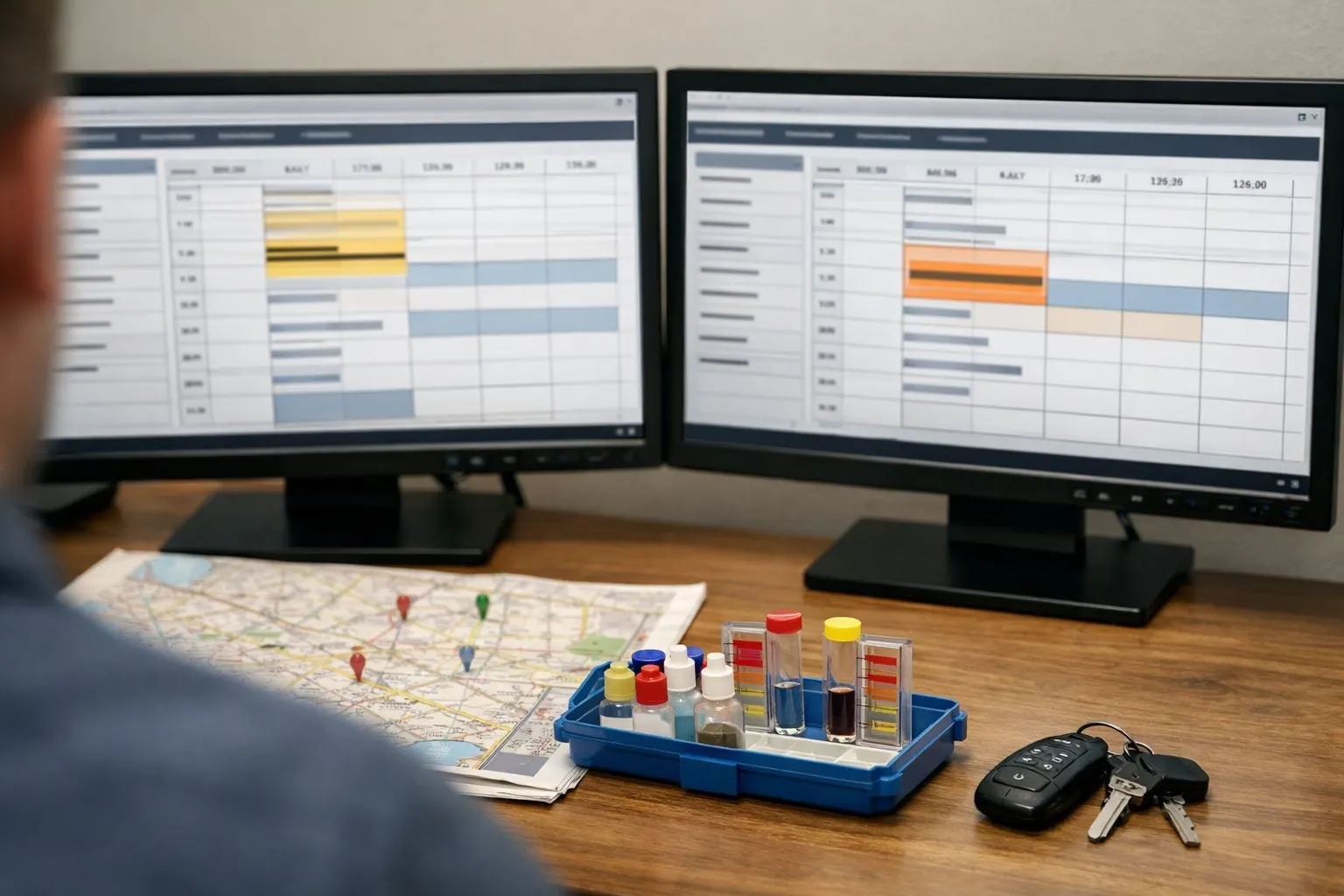
A qualifying change becomes a sendable event only after the dispatch board matches the revised visit to the correct customer record. Keep an immutable “before” snapshot for each appointment, then compare it with the newly saved schedule. Field names and integration methods vary among pool company scheduling software, but the comparison logic should remain consistent.
- Store the scheduled service date, original and revised arrival windows, and original and revised technician assignment. These fields establish whether the customer’s promised day, timing, or expected provider actually changed.
- Store the customer’s contact preference and consent status separately. Preference selects the intended channel; consent status is a gate that can block an automated text while leaving an email or staff task available.
- Include access notes, account status, and exception flags. Access notes identify visits involving gates, pets, tenant coordination, or other arrival dependencies; account status excludes inactive or cancelled accounts; exception flags hold sensitive, disputed, or manually managed accounts for staff review.
Use a rule such as: add an account to the affected-customers list when the date differs, the revised window moves beyond the company’s stated tolerance, or the technician differs and the account has an access-sensitive flag. A technician swap on a normal exterior-access visit stays silent; a swap for an account where a named technician has gate credentials becomes a reviewable notification.
Require complete comparison data before sending. If the original window is blank, the new date has not been finalized, no permitted contact channel exists, or an exception flag is present, create a dispatcher task instead of guessing. Record the appointment ID, change timestamp, and notification status with the decision so a second route edit updates the same event rather than producing a duplicate alert.
Step 3: Configure Message Logic and Reusable Templates
Each approved event needs a message class before it needs copy. An informational notice tells the customer what will happen and requires nothing back; use it when service can still proceed. A confirmation request asks for a reply because access, approval, or a new appointment choice is genuinely required. An action-required alert explains that service cannot be completed until the customer takes a stated step. Do not turn routine updates into confirmation requests: unnecessary replies create an inbox queue without improving the route.
| Situation | Channel and message class | Customer expectation |
|---|---|---|
| Same-day weather hold or materially later window | SMS notification; informational or action-required | Read the update promptly; reply only if access or a choice is needed. |
| Technician substitution with no customer task | SMS or portal; informational | Service remains scheduled under the revised assignment. |
| Holiday closure or next-week route adjustment | Email alert and portal notice; informational | Review the fuller schedule explanation at their convenience. |
| Locked gate, customer-required presence, or alternate-date choice | Two-way SMS or a portal link; confirmation request | Reply or select an option by the stated deadline. |
Build every template from the same fields: company name, what changed, the revised timing or next step, and one contact path. SMS should be brief and reserved for time-sensitive disruption; email and the portal can carry holiday calendars, service notes, and links without compressing the explanation. This keeps automated customer follow-ups clear rather than conversational by default.
- Weather delay: “[Company]: Today’s pool service is delayed by weather. We expect to arrive later today, within [revised window]. If access will not be available, reply HELP or call [phone].”
- Technician change: “[Company]: Your [day] pool service remains scheduled for [window]. [Technician name] will complete the visit instead of [original technician]. Questions? [phone].”
- Moved service window: “[Company]: Your service window has changed from [old window] to [new window] on [date]. No action is needed unless this affects access; contact [phone].”
- Holiday rescheduling: “[Company]: Because of the [holiday] schedule, service moves from [old date] to [new date]. Details are in your portal/email. Need a different arrangement? Contact [phone].”
A weak message says, “Running late today,” because it omits the revised expectation and help path. “Reply YES” is equally weak when no decision is needed. Make the automation select the message class first, then populate only finalized schedule fields; hold any template that lacks a usable date, window, or customer next step for dispatcher handling.
Step 4: Build the Automation Workflow With Timing, Approval, and Escalation Rules
Make the saved schedule change, not a dispatcher’s memory, the starting point for a controlled sequence. The workflow should create a notification record for every qualifying event, so a later route edit can be compared with the message already queued or sent.
- Trigger: When a scheduler saves a revised date, window, technician, holiday status, or weather hold, compare it with the appointment snapshot. Ignore edits that do not cross the notification threshold.
- Filter: Build the recipient list from appointments affected by that saved change, then exclude records already notified of the same version. This is how automated route-change alerts for pool customers avoid becoming a route-wide broadcast.
- Select: Match the event to its approved template, channel, and message class. A same-day weather delay can select SMS; a holiday calendar change can select email and portal; an access-dependent reschedule can open a two-way reply path.
- Wait or approve: Add a short hold before nonurgent sends so dispatch can finish route edits. For advance holiday changes, queue the notice after the schedule is final. For a same-day material delay, send immediately once a dispatcher marks the revised window final.
- Send and log: Store the schedule version, send time, channel, delivery result, and any reply against the appointment. A second message should send only when the customer-facing date, window, technician, or required action changes materially again.
- Escalate: Create an assigned staff task for failed delivery, an unanswered confirmation request, or a reply that cannot be resolved by a defined rule. The task should show the old and new appointment details, the message sent, and the response deadline.
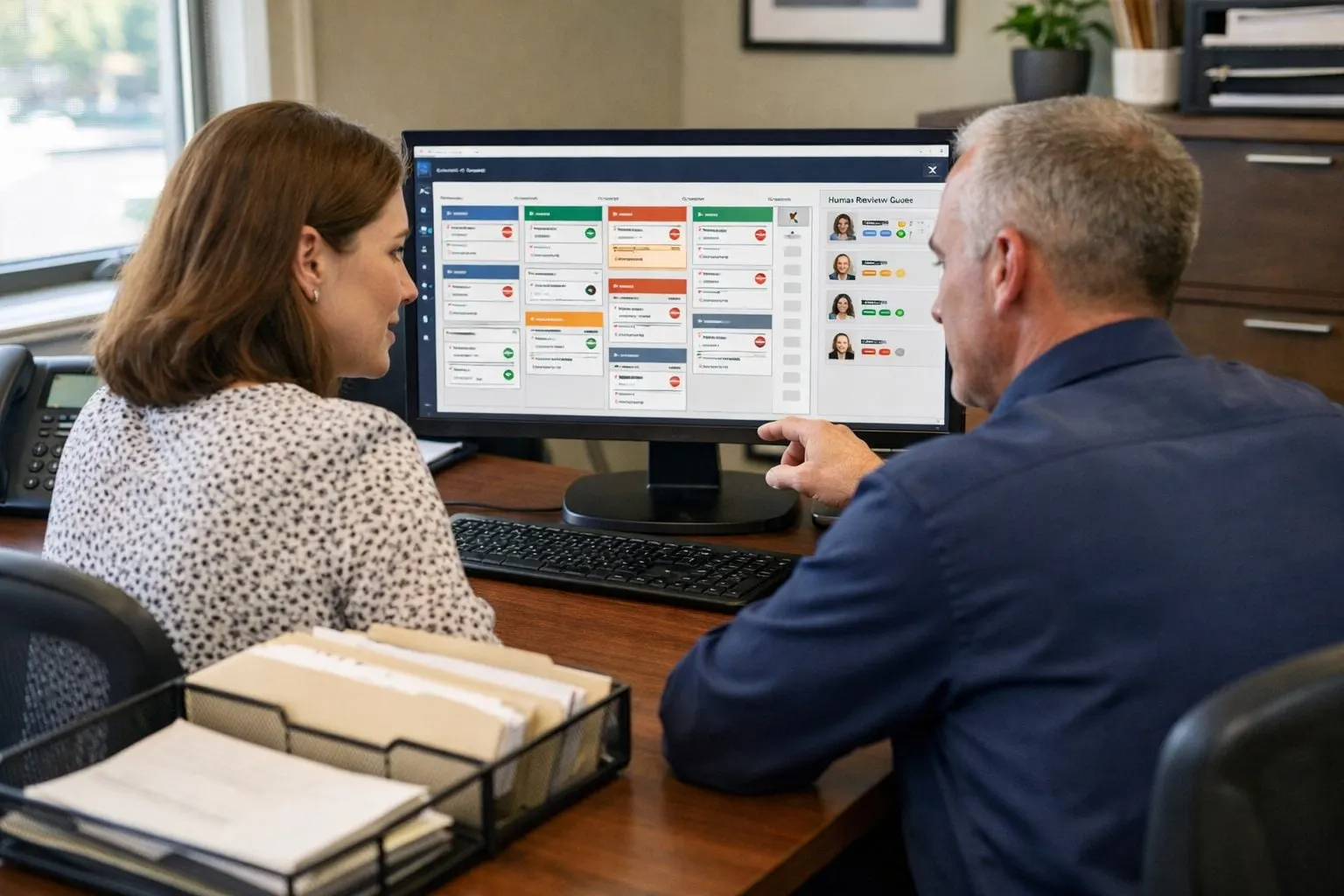
Use an approval gate when automation cannot safely interpret the situation. Pause the send for ambiguous weather forecasts, high-value or sensitive accounts, a second or third change to the same visit, and mass disruptions affecting many stops. The approver’s job is to decide whether the revised plan is stable, whether the wording needs context, and whether a broader operational message is warranted.
This escalation workflow keeps routine pool service automation moving while reserving human judgment for exceptions. A useful checkpoint is simple: if staff cannot explain the customer’s next expectation in one finalized sentence, do not release the message yet.
Step 5: Add Safeguards for Consent, Failed Delivery, and Customer Exceptions
Guardrails belong in the customer record, not in a dispatcher’s memory. Store the customer’s permitted channels, documented SMS consent, opt-out status, preferred contact method, time-zone-based quiet hours, and a usable email address or phone number. An opt-out from text alerts should automatically suppress SMS and select the recorded alternate channel; if none is valid, create a staff task rather than silently treating the notice as delivered.
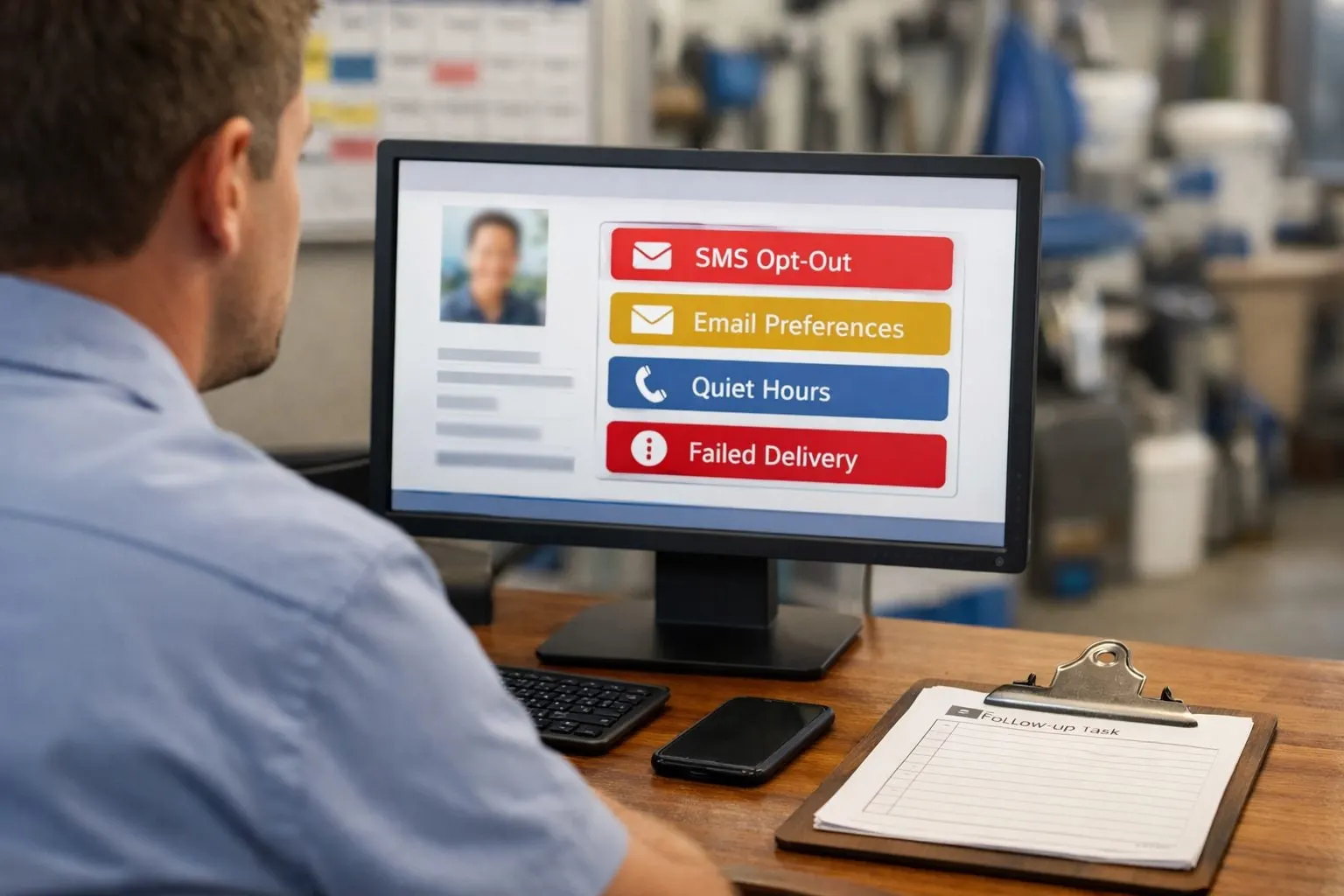
- Suppress duplicates and conflicts: block a second send for the same appointment version, and cancel a queued “technician reassigned” notice if a later edit restores the original technician. Do not send both a weather-delay text and a reschedule request unless the second message adds a distinct required action.
- Act on failed delivery: use delivery status to mark invalid numbers, undelivered texts, and bounced emails. Retry only when the failure type and company policy support it; otherwise route the account to staff with the revised visit details and preferred fallback channel.
- Monitor replies: send confirmation requests and access questions into an assigned inbox with an owner and response deadline. An unanswered “Will the gate be open?” message is an operational exception, not a completed notification.
- Flag sensitive stops: require review for gate codes, appointment-only service, prior complaints, repeated failed contact, pets, or other access notes. These flags change the workflow from automatic release to human decision.
Urgent issues may still require staff outreach under the company’s approved communication policy, particularly when no valid preferred channel remains. Keep an auditable history of consent, preferences, opt-out events, send attempts, and staff follow-up so automated pool service notifications remain traceable when a route changes more than once.
Step 6: Test the Workflow, Launch in Stages, and Measure Results
Prove the sequence on a controlled sample before making it part of every dispatcher’s day. Use one low-risk route or nonproduction customer records, then create planned weather holds, holiday moves, technician substitutions, window shifts, opt-outs, bounced emails, and reply-required access questions. For each scenario, compare the notification record with the intended outcome: the correct trigger fired once, only affected accounts were selected, variables populated correctly, suppressed contacts stayed suppressed, failed delivery created a task, and an escalation reached its assigned owner.
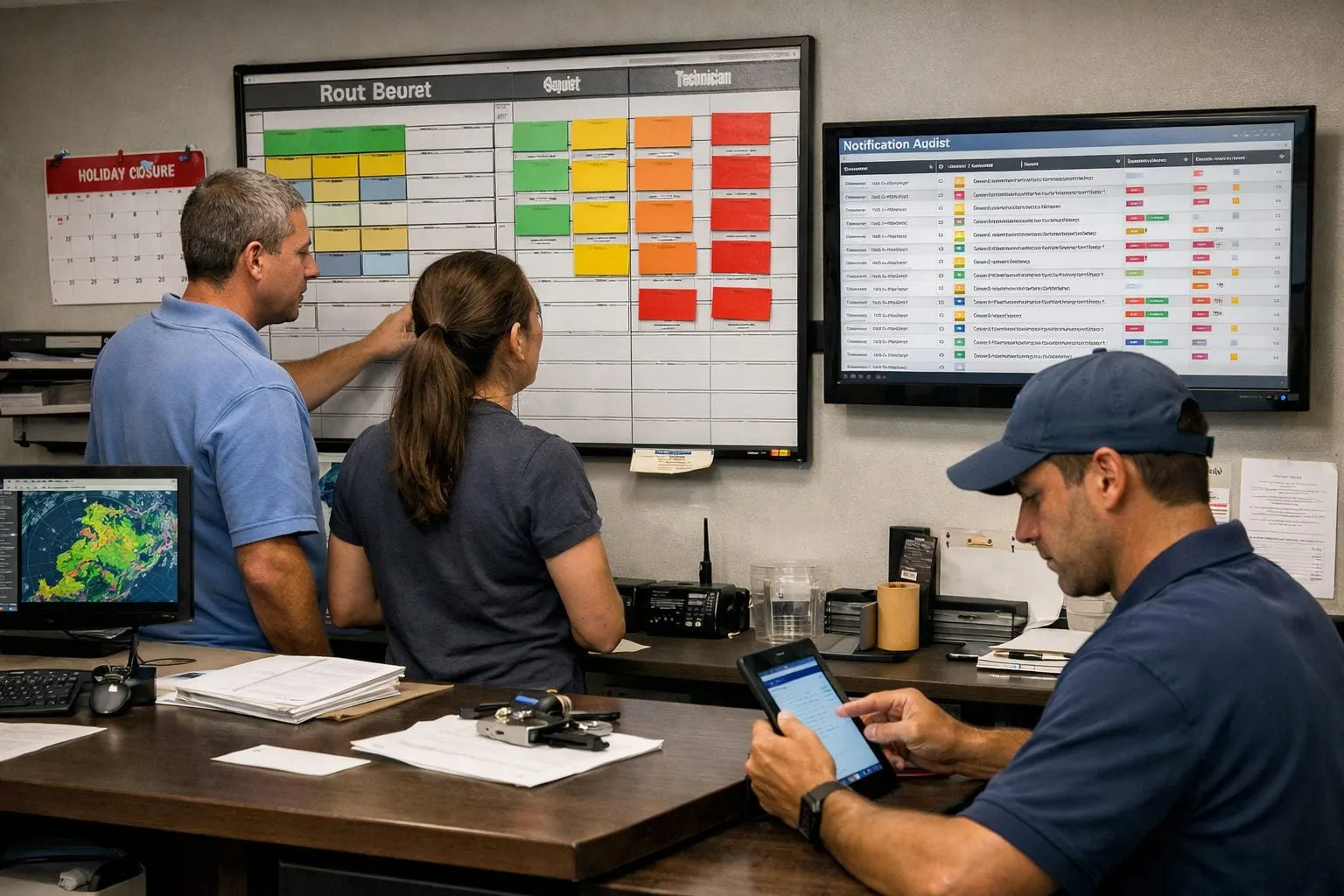
- Notification coverage: qualifying changes that produced the correct notice divided by all qualifying changes. A missed qualifying event signals a trigger or data-comparison gap.
- Delivery rate and update-to-notice time: track successful sends and the elapsed time from the saved route update to release. Separate immediate disruptions from advance notices so a delayed holiday email does not mask a slow same-day alert.
- Exception load: count opt-outs, replies requiring staff action, missed-access incidents, and complaint volume. A rise in access replies may mean the template lacks a clear next step.
- Manual texts avoided: count only messages the workflow completed without staff composing an individual replacement message; excluded exceptions remain visible work.
Launch the first route, review results weekly for the first month, and inspect every miss rather than averaging it away. Tighten an overbroad trigger when unaffected customers appear; revise a template when replies reveal confusion; add an approval gate when dispatchers repeatedly intervene. Expand only after the small-route results show dependable coverage and manageable exceptions.
Operational Checklist: What Must Be in Place Before You Stop Manual Route-Change Texting
Assign an owner before switching off manual texting: automation handles routine pool route change notifications; people handle ambiguity.
- Operations: owns written trigger thresholds, customer segments, and approval gates for weather, holiday, technician, and window changes.
- Dispatch: maintains complete schedule fields and the before-and-after appointment record used to select affected accounts.
- Customer service: owns approved templates, channel rules, consent records, replies, failed deliveries, and sensitive accounts.
- Management: reviews coverage, delivery timing, exception volume, and manual replacement messages on a set cadence.
- Fallback: every suppressed, undelivered, reply-required, or unresolved notice creates a named staff task, not an unowned queue.
Use this checklist as the release standard: it supports fewer missed handoffs, lower administrative workload, and more consistent communication while retaining human control when a customer needs a decision or personal follow-up.
Frequently Asked Questions
How do pool companies notify customers about weather delays automatically?
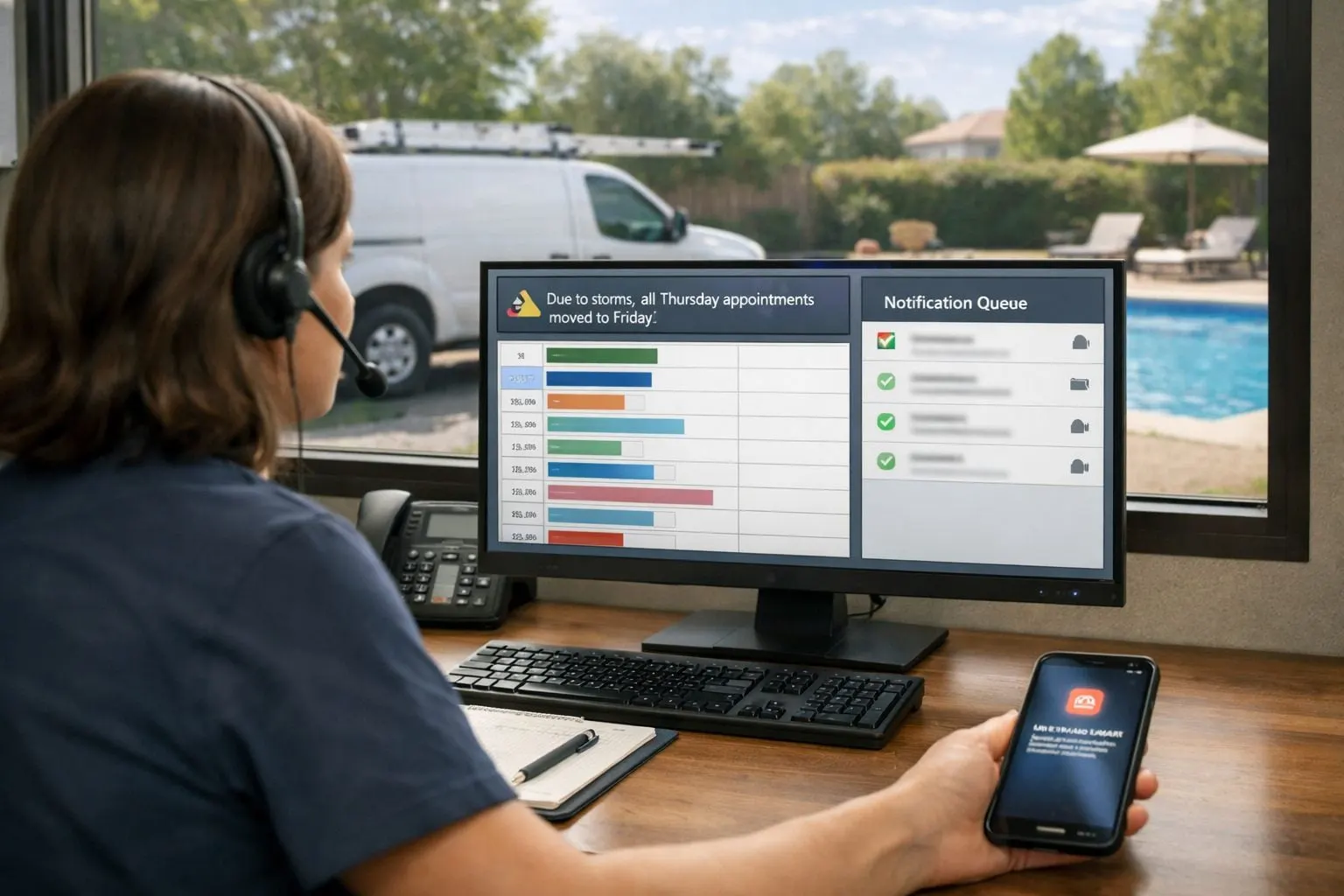
A saved weather hold should trigger an immediate SMS when service is delayed, skipped, or moved. The message should provide the revised arrival window or next step, while uncertain weather conditions and recovery timing go to staff for approval.
Can pool service scheduling software send route-change text messages?
Yes, when the saved schedule change crosses a defined threshold, such as a service-date change, a material arrival-window shift, or an access-sensitive technician change. The workflow compares an immutable before snapshot with the revised appointment, selects affected customers, sends the approved message, and logs the delivery result.
How much notice should customers receive when a pool service route changes?
Send same-day delays immediately once the revised window is finalized, especially when service moves outside the communicated arrival window. Send holiday closures and planned service-day changes in advance by email or portal, with an SMS reminder closer to the change.
What should a pool service text message say when the technician changes?
State that service remains scheduled, provide the service window, identify the replacement technician, and give one contact path. For example: “[Company]: Your [day] pool service remains scheduled for [window]. [Technician name] will complete the visit instead of [original technician]. Questions? [phone].”
How should a pool company handle customers who opt out of route-change text alerts?
Suppress SMS automatically based on documented opt-out status and use the customer’s recorded alternate channel, such as email or a portal notice. If no valid permitted channel exists, create a named staff task rather than marking the customer as notified; sensitive accounts, failed deliveries, and unresolved replies also require staff follow-up.