Field Service Automation Starter Pack: Build Controlled Workflows That Save Time
Begin with a simple checkpoint: if a task happens the same way across many leads or jobs, takes office time, and has a clear result to measure, it is a strong first candidate. This pack helps home-service operators identify that work, map it before anything is built, and launch a small number of workflows designed to reduce missed handoffs and administrative drag.
The pack includes three working assets:
- A workflow checklist to spot sensible first candidates, such as missed-call follow-up, appointment reminders, and estimate follow-up, tasks that are repetitive, customer-visible, and easy to measure.
- An automation map to define the trigger, the customer or job data required, the actions that follow, the responsible owner, and the exception route before a workflow goes live.
- Practical implementation examples that show how a lead, schedule, field-service, or payment record can move work forward while leaving approvals and unusual cases with the right person.
Home services business automation should support, not replace, the office team, dispatcher, technician, and owner. A confirmation can send automatically after an appointment is booked; a dispatcher still handles a reschedule, access issue, or urgent routing change. Track one operational result for each workflow, such as response time, confirmation completion, or estimates followed up, so automation for home service companies remains controlled and useful.
What to Automate First: Use a High-Value Workflow Checklist
Prioritize the workflow with the clearest operational cost, not the flashiest technology. A useful first automation is repeatable enough to standardize, urgent enough that delay matters, and visible enough that the team can see whether it reduced a missed handoff or administrative task.

Score each candidate from 0 to 2 on these five checks:
- Frequency: Does it occur daily or on most jobs? High-volume work creates more opportunities to remove repetitive effort.
- Time sensitivity: Does a delay affect the next step? New inquiries, unanswered calls, and overdue estimates are stronger candidates than a monthly internal report.
- Customer impact: Does the customer notice whether the task happens promptly and consistently? Booking, reminder, payment, and review communications usually qualify.
- Data availability: Is the needed name, phone number, job status, estimate, invoice, or service date already recorded in a dependable system? Missing or inconsistent records lower the score.
- Ease of measurement: Can one clear baseline show the result, first-response time, booking rate, confirmation rate, estimate conversion, days to payment, or reviews requested?
A score of 8–10 is a practical starter candidate; 5–7 may need data cleanup or a narrower scope; 0–4 belongs in a process review before it is automated.
| Strong first workflow | Simple controlled sequence |
|---|---|
| Missed-call text back | Missed call triggers a text using the caller record; an office user receives any reply needing a booking decision. Monitor response time and booked calls. |
| Lead capture | A web form or call record creates a lead, assigns an owner, and starts follow-up; route incomplete requests to the office. Monitor lead-to-booking rate. |
| Confirmations, estimate follow-up, invoice reminders, review requests, and maintenance reminders | A dated appointment, sent estimate, unpaid invoice, completed job, or renewal window triggers the appropriate message from the customer or job record. Stop or escalate when the status changes, a customer replies, or an exception appears. Monitor confirmations, estimate conversion, days to payment, review-request completion, or recurring bookings. |
Avoid making judgment-heavy diagnosing, unusual pricing exceptions, or complex dispatch tradeoffs your first build. Those processes depend on technician observations, margin decisions, changing capacity, and competing priorities; automate the handoff or information gathering first, while keeping the decision with an experienced person. That distinction helps automate service business operations without turning exceptions into costly errors.
Map Every Automation Before You Build It
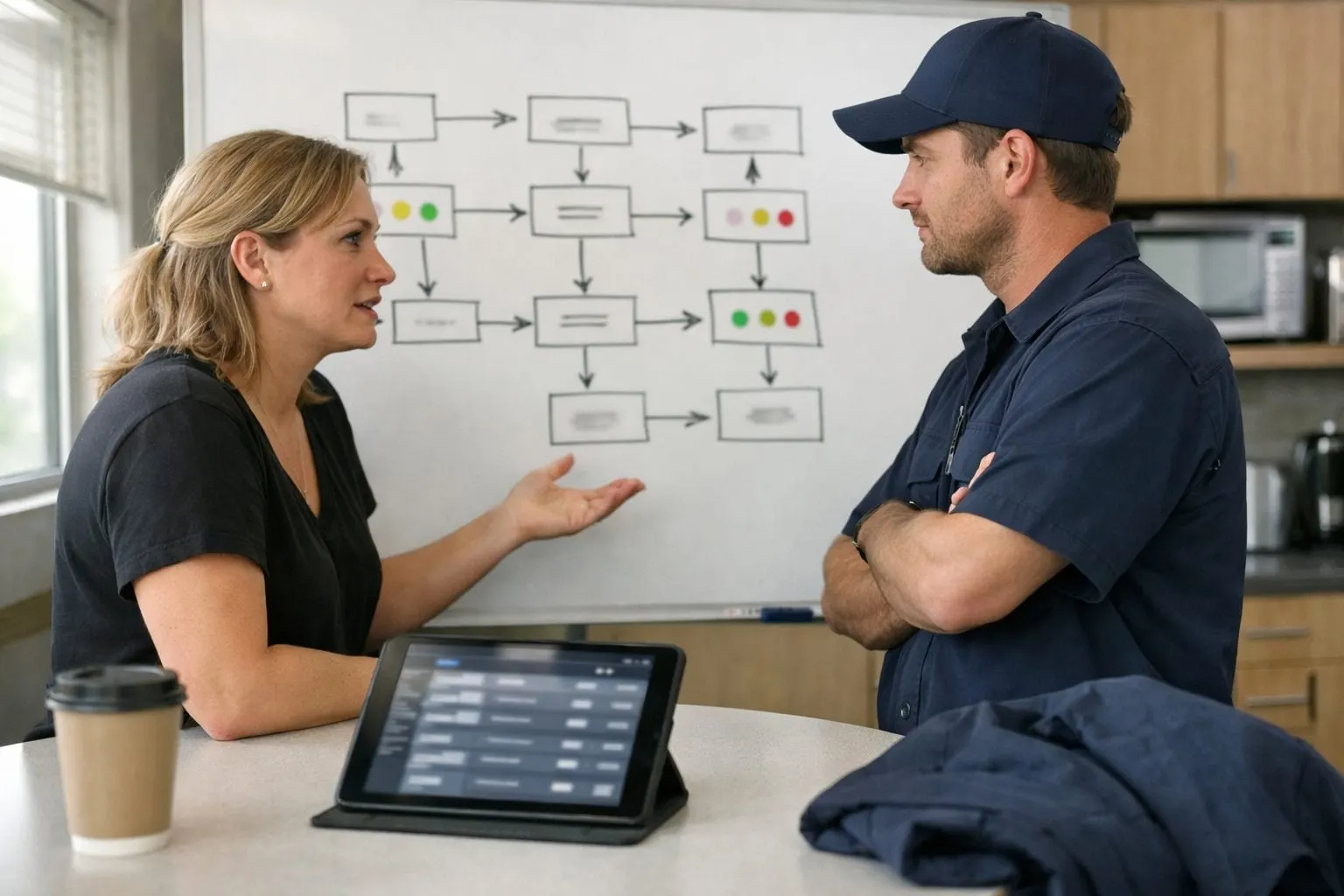
An automation map turns a promising idea into an accountable operating procedure. Use the same six fields for every workflow so the office team can see what starts it, what it needs, who remains responsible, and what happens when reality does not match the happy path.
- Trigger: the specific event that starts the workflow, such as a missed inbound call or a job marked complete. A vague trigger creates inconsistent starts.
- Required data: the fields needed to act safely: customer name, valid phone number, service address, job type, status, and available booking windows. Identify the source record, whether it is the CRM or scheduling system.
- Automated action: the exact task performed, including message content, record creation, assignment, or alert, not simply “follow up.”
- Workflow owner: the named role that monitors results and resolves stuck records. Automation can execute steps; an owner keeps the process accountable.
- Exception path: the human route for duplicates, invalid phone numbers, replies that need judgment, or no available appointment window.
- Operational outcome: the measurable result the workflow is intended to improve, such as faster lead response, fewer missed handoffs, or more calls booked.
Example: missed call to booking. The trigger is an unanswered business call. Required data is the caller number, duplicate-contact status, service area, and an open booking window. The automated action sends a short text asking what service is needed and offers a booking link or office callback. The office coordinator owns the queue. A duplicate record, invalid number, customer question, or unavailable time slot routes to that coordinator rather than continuing automatically. Monitor missed-call response time and the share of missed calls that become booked work.
A workflow is not ready to build when its source data is unclear, no one owns the queue, or exceptions have nowhere to go. Those gaps are process work to resolve first, not problems that another app connection will fix.
Five Field Service Automation Examples You Can Implement in Stages
Treat each of these as an add-on workflow around the CRM or field service management system already holding customer, job, and status records. The early stage is a controlled notification or task; later stages add routing and reporting only after the team can reliably handle exceptions.
- New lead response. Trigger: a web form, inbound text, or new CRM lead. Action: create or update the contact, send an acknowledgement, and assign a callback task to the office coordinator. Owner: office manager. Human decision: the coordinator qualifies service type, location, urgency, and booking fit before offering an appointment. Exception: urgent requests, duplicate contacts, or incomplete details enter a priority queue rather than receiving a standard sequence. Metric: track time from inquiry to first human response and the share of leads booked. AI automation for home service companies can classify a submitted request or draft a reply, but the coordinator reviews unclear or high-priority cases.
- Appointment confirmation and reminders. Trigger: an appointment reaches a confirmed status in the scheduling record. Action: send the date, arrival window, address, preparation details, and a reschedule route; send a second reminder before the visit. Owner: scheduler. Human decision: approve nonstandard timing, access instructions, or requested changes. Exception: a reply indicating cancellation, no access, or a conflicting time creates a scheduler task and pauses routine reminders. Metric: monitor confirmation completion and the show rate. This is a focused appointment scheduling workflow, not an attempt to automate capacity decisions.
- Dispatch and job-status updates. Trigger: the dispatcher assigns a technician or the technician changes the job to en route, on site, or complete. Action: update the job record and send the matching customer status message. Owner: dispatcher. Human decision: choose technician, sequence, and promised arrival window when jobs compete for the same capacity. Exception: delays, emergencies, or a technician unable to proceed alert the dispatcher for a customer-specific update. Metric: measure status-update completion and jobs requiring manual recovery.
- Estimate follow-up. Trigger: an estimate is sent without acceptance by the chosen follow-up date. Action: send a concise reminder, log the touch in the customer record, and create a sales-owner task after a second unanswered touch. Owner: estimator or sales lead. Human decision: handle scope questions, discounts, revised pricing, and competitive objections. Exception: a quote-change request stops the sequence until a revised estimate is issued. Metric: track estimate conversion and elapsed time from estimate sent to decision.
- Job-completion handoff. Trigger: a technician marks a job complete with required notes and photos. Action: create the invoice task, notify the office of missing closeout items, and send a review request only after payment or the team’s selected completion checkpoint. Owner: billing coordinator. Human decision: review disputed work, credits, and dissatisfied-customer signals before any review request goes out. Exception: an unpaid balance, incomplete documentation, or complaint routes to billing or the owner. Metric: monitor payment lag and review-request completion rate.
A 30-Day Plan to Launch Automation Without Breaking Operations
Use a short rollout to protect daily service delivery while testing whether one workflow creates fewer missed handoffs, faster response, or less administrative work. The objective is a dependable operating routine, not a broad launch.

- Days 1–3: document the current path. Have the person doing the work record each step, system, decision, and exception. Capture the baseline metric before changing anything.
- Days 4–7: select one workflow and minimum data. Choose one trigger and one outcome, such as a confirmed appointment producing SMS reminders. Standardize only the fields it needs: customer mobile number, appointment status, date, window, and job ID.
- Days 8–14: build in a controlled setting. Use test contacts and test jobs. Run scenarios for an opt-out, duplicate customer record, rescheduled appointment, missing phone number, and a failed handoff to the scheduler. Set one source of truth for appointment time so two systems cannot send conflicting messages.
- Days 15–21: assign ownership and launch narrowly. Name an owner who checks the error queue, handles exceptions, and can pause the workflow. Launch to one service line, technician group, or small appointment sample before expanding.
- Days 22–30: review and decide. Compare results after two to four weeks. Keep, revise, or retire the workflow based on evidence rather than staff impressions.
| Dashboard metric | Baseline | Post-launch |
|---|---|---|
| Reminder delivery and duplicate-message count | Manual sends / duplicates | Delivered sends / duplicates |
| Appointment show rate | Completed ÷ scheduled | Completed ÷ scheduled |
| Payment collection lag | Days from invoice to payment | Days from invoice to payment |
| Exceptions unresolved after one business day | Count | Count |
Service business automation earns trust when its owner can see what fired, what failed, and who resolved the exception.
Know When a Starter Workflow Is Not Enough
A starter workflow has a clear owner, a stable trigger, and a manageable exception path. Move to an automation audit when that clarity breaks down: the office updates one system while technicians use another, customer records lack reliable contact details or job history, or the same handoff is owned by dispatch, sales, and service without a final decision-maker.
Operational discovery before more building can examine the systems involved, the current process, the data fields and status changes each handoff depends on, and the order in which problems should be addressed. That work can expose conflicts such as price rules that differ by team, scheduling rules that contradict service capacity, or exception queues that have become normal daily work.
- Keep safety-sensitive decisions human-led. Automation can collect job details and alert the right person; a qualified person should decide whether conditions, scope, or urgency make work unsafe.
- Route complex estimates and complaints to people. These require judgment about scope, margin, remedy, and customer context rather than a fixed sequence.
- Preserve dispatcher control for unusual routing and capacity choices. Technician routing becomes a human decision when urgent calls, skills, travel, promised windows, and available hours compete.
- Do not automate technician performance management. Use workflow data to surface a pattern, then have a manager interpret the circumstances and respond.
The practical takeaway: use home service business automation for repeatable execution; use an audit to redesign unreliable handoffs before they create faster, more consistent mistakes.
Use This Field Service Automation Starter Framework
This framework is designed for owners and operations leaders in HVAC, plumbing, electrical, cleaning, landscaping, pest control, and similar appointment-based service businesses, especially office managers and dispatch coordinators responsible for keeping work moving.
- Workflow-priority checklist: rank recurring work by urgency, customer impact, data readiness, and ease of measurement.
- Automation-map template: document the trigger, required records, actions, owner, exception route, and success metric before building.
- Implementation examples: use practical patterns for missed-call follow-up, appointment reminders, dispatch updates, estimate follow-up, and job-close handoffs.
- 30-day launch plan: select one contained workflow, test it with the team, monitor exceptions, and improve it without disrupting service.
Use these checklists and examples as a practical starting point for home services automation: clearer ownership, fewer missed handoffs, and less repetitive administrative work.
If your workflow crosses disconnected systems, depends on unreliable records, or creates frequent exceptions, consider an AI Workflow Audit instead. It is the better path for teams that need process and data decisions resolved before implementation.
Frequently Asked Questions
What should a home service business automate first?
Start with repetitive, time-sensitive tasks that customers notice and that have reliable data, such as missed-call follow-up, appointment reminders, or estimate follow-up. Score candidates from 0 to 2 for frequency, time sensitivity, customer impact, data availability, and ease of measurement; workflows scoring 8 to 10 are strong starter candidates.
What information should be included in a field service automation map?
Every automation map should define six fields: the trigger, required data, automated action, workflow owner, exception path, and measurable operational outcome. Required data can include customer name, phone number, address, job type, status, and available booking windows.
How can AI automation help a home service company handle new leads?
AI can classify submitted service requests or draft replies after a web form, inbound text, or CRM lead is received. An office coordinator should still review unclear, urgent, duplicate, or incomplete requests and decide whether the service type, location, urgency, and booking fit are appropriate.
How do you launch appointment reminder automation without disrupting operations?
Use a 30-day rollout: document the current process on days 1 to 3, select one workflow and minimum data by day 7, test scenarios through day 14, then launch to a small service line or appointment sample. Test opt-outs, duplicate records, reschedules, missing phone numbers, and failed scheduler handoffs before expanding.
When does a home service company need an automation audit instead of another workflow?
Choose an automation audit when systems are disconnected, contact or job records are unreliable, exceptions are frequent, or multiple teams own the same handoff without a final decision-maker. Keep safety decisions, complex estimates, complaints, unusual dispatch routing, and technician performance management human-led rather than fully automated.